
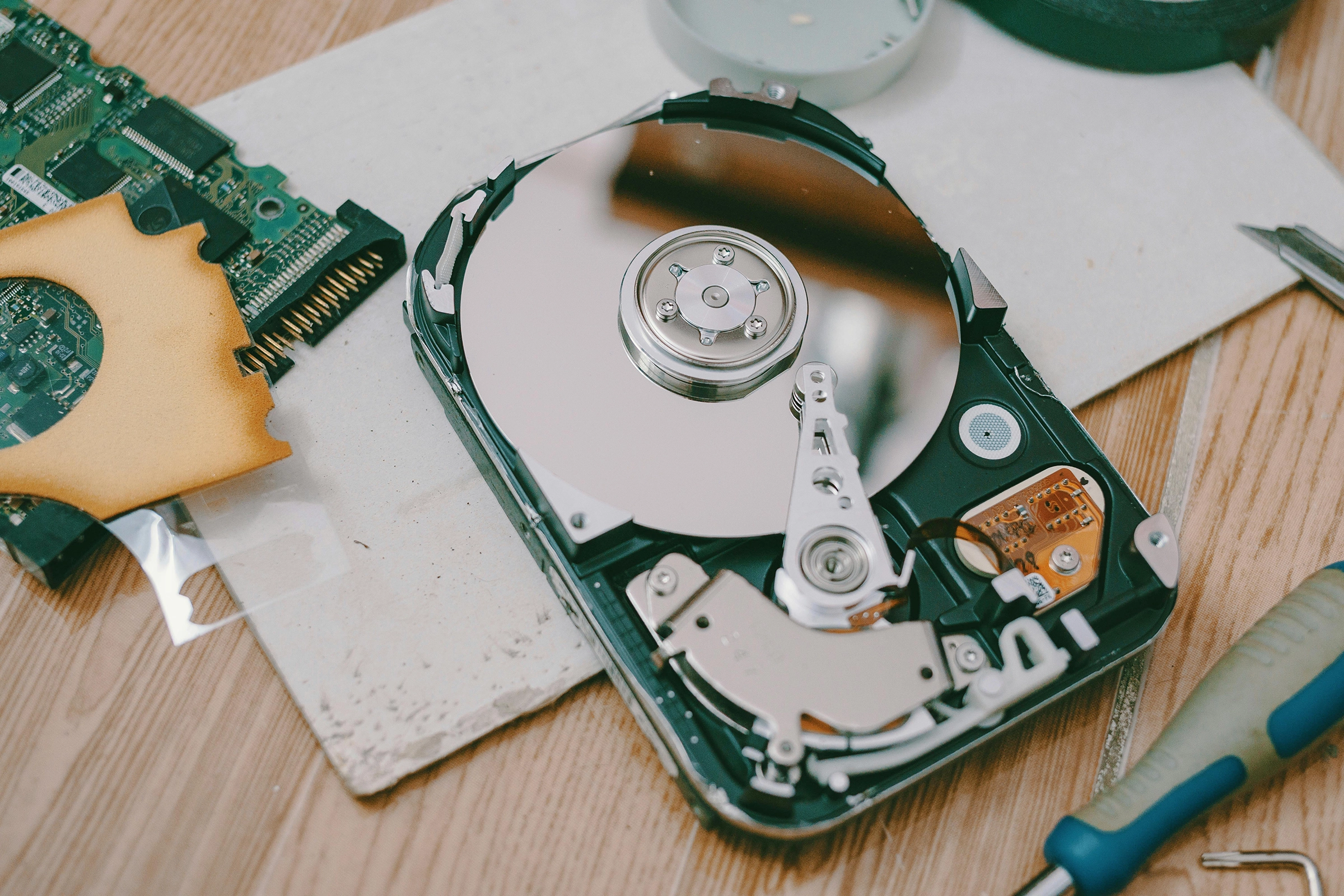
What to Do When Your SSD or HDD Fails
Hard drive failure can happen suddenly and without warning, often resulting in the loss of important documents, photos, or business data. In Singapore, we regularly see customers panic when their hard drive stops working, makes strange noises, or is no longer detected by their computer. Knowing what to do next can make a critical difference to your data recovery success rate.
At Volta PC Upgrade & Repair, we provide professional hard drive data recovery in Singapore, helping individuals and businesses retrieve lost data safely and securely.
Common Signs of Hard Drive Failure
Clicking or Grinding Noises
One of the most alarming signs of hard drive failure is a clicking or grinding sound. This usually indicates mechanical damage to the internal components, such as the read/write heads or platters. Continued use can worsen the damage and reduce recovery chances.
Hard Drive Not Detected by Computer
If your hard drive no longer appears in BIOS, Disk Management, or File Explorer, it may have suffered firmware corruption, electronic failure, or severe physical damage.
Extremely Slow Access or Frequent Freezing
A hard drive that takes a long time to open files, freezes frequently, or causes system crashes may be failing. These symptoms often appear before total failure occurs.
Types of Hard Drive Failures We See in Singapore
Logical Hard Drive Failure (Deleted or Corrupted Data)
Logical failures occur when data is lost due to accidental deletion, formatting, file system corruption, or malware. In these cases, the hard drive hardware is still functional, and recovery success rates are generally high if handled correctly.
Physical Hard Drive Failure (Mechanical Damage)
Physical failures involve damaged internal components caused by drops, power surges, overheating, or wear and tear. These cases require specialised tools and a controlled environment for safe recovery.
Firmware and File System Issues
Firmware corruption can prevent a hard drive from being recognised even though the data is still intact. These failures require advanced techniques and should never be handled with DIY software.
What to Do Immediately When Your Hard Drive Fails
Stop Using the Drive to Prevent Further Damage
The most important step is to stop using the hard drive immediately. Continued use can overwrite recoverable data or worsen physical damage.
Do Not Attempt DIY Software Recovery
Many recovery software tools can permanently destroy data if used incorrectly, especially on physically damaged drives.
Avoid Opening the Hard Drive Yourself
Opening a hard drive outside of a clean environment introduces dust and contaminants that can make recovery impossible.
Why DIY Data Recovery Often Makes Things Worse
Risk of Permanent Data Loss
DIY attempts often overwrite critical data structures, making professional recovery far more difficult or impossible.
Overwriting Recoverable Data
Every write operation reduces the chances of successful recovery, especially for deleted or formatted files.
Increased Cost After Failed DIY Attempts
We frequently see cases where recovery costs increase significantly after unsuccessful DIY efforts.
Hard Drive Data Recovery Process in Singapore
Initial Diagnosis and Assessment
At Volta PC Upgrade & Repair, we begin with a full diagnostic to determine whether the failure is logical, physical, or firmware-related.
Cleanroom or Advanced Recovery Techniques
For physically damaged drives, advanced tools and controlled environments are used to safely extract data without causing further harm.
Data Verification Before Return
Recovered data is verified to ensure file integrity before being returned to the customer.
Hard Drive Data Recovery Success Rates in Singapore
Factors That Affect Recovery Success
Recovery success depends on the type of failure, extent of damage, and whether the drive has been tampered with.
Logical vs Physical Failure Recovery Chances
Logical failures often have very high success rates, while physical failures depend heavily on the severity of damage.
When Recovery May Not Be Possible
In rare cases where platters are severely damaged or overwritten, recovery may not be feasible. Honest assessment is always provided upfront.
Professional Hard Drive Data Recovery in Singapore
When to Seek Expert Help
If your hard drive shows any signs of failure, professional help should be sought immediately to maximise recovery chances.
Secure and Confidential Data Handling
We follow strict confidentiality and data protection procedures, making our services suitable for both personal and business data.
No Data, No Recovery Fee Policy
Our No Data, No Recovery Fee policy means you only pay when data is successfully recovered.
Related Data Recovery Services
SSD Data Recovery Singapore
Specialised recovery for SATA and NVMe SSDs, including firmware and controller issues.
RAID and NAS Data Recovery
Professional recovery for RAID servers, Synology, QNAP, and business storage systems.
SD Card and USB Data Recovery
Recovery for corrupted, unreadable, or accidentally formatted removable storage devices.
Final Note
If you are experiencing data loss, early action is critical. For reliable hard drive data recovery in Singapore, trust experienced professionals who prioritise data safety and transparency. You can also explore our full Data Recovery Singapore services to understand all available recovery options.