
Macbook repair

10 Essential Steps: Your Complete Guide to Running Diagnostics on Mac

Are you a Mac user looking to troubleshoot and optimize your device’s performance? ๐Ÿ–ฅ๏ธ If so, you’ve come to the right place! In this comprehensive guide, we will walk you through the 10 essential steps for running diagnostics on your Mac. ๐Ÿ› ๏ธ Whether you’re experiencing slow performance, random crashes, or any other issue, our step-by-step […]

10 Essential Steps: Your Complete Guide to Running Diagnostics on Mac Read More ยป

How To Turn On Laptop Keyboard Backlight On Mac And Windows

In today’s digital world, the laptop keyboard is more than just a tool for typing; it’s an integral part of our daily computing experience. This blog post shines a light on a feature that enhances this experience significantly: the backlight laptop keyboard. This nifty innovation not only adds an aesthetic touch to your device but

How To Turn On Laptop Keyboard Backlight On Mac And Windows Read More ยป

MacBook Pro 2015: The Most Common Issues That Demand Expert Mac Repair

The 2015 MacBook Pro, a pinnacle of Apple’s engineering, stands as a symbol of quality and performance in the tech world. Yet, even the best have their Achilles’ heel. Users of this model have encountered various issues, from minor annoyances to significant malfunctions. In this comprehensive guide, we’ll delve deep into the common problems associated

MacBook Pro 2015: The Most Common Issues That Demand Expert Mac Repair Read More ยป

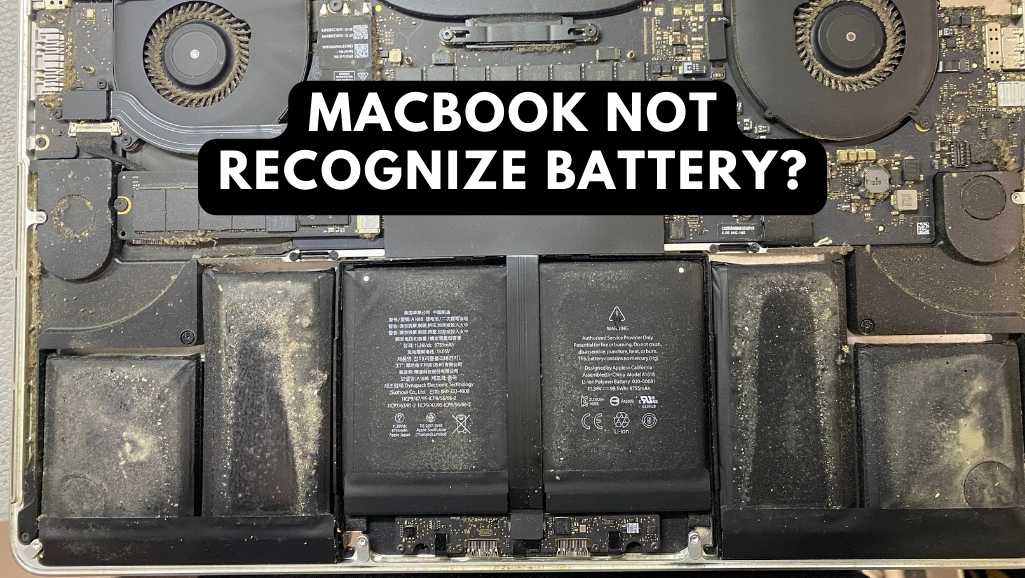
MacBook Repair Hack: How To Fix MacBook Not Recognize Battery

Let’s face it, our MacBooks are our trusty comrades, the lifeblood of our digital worlds. But imagine the horror: you reach for the power cord, desperate to fuel that late-night coding session, only to discover… your MacBook doesn’t recognize its battery! The dreaded battery icon mocks you, frozen at 0%. Suddenly, every unsaved document, every

MacBook Repair Hack: How To Fix MacBook Not Recognize Battery Read More ยป

The Ultimate IMac RAM Upgrade Guide In Singapore

We’ve all been there. Your once-mighty iMac, the pride of your desk, has become molasses in motion. Applications launch at a glacial pace, windows crawl like snails, and the beachball of doom takes up permanent residence on your screen. Frustrating? Infuriating, more like. But before you chuck your iMac out the window (unless it’s, you

The Ultimate IMac RAM Upgrade Guide In Singapore Read More ยป

Scroll to Top